
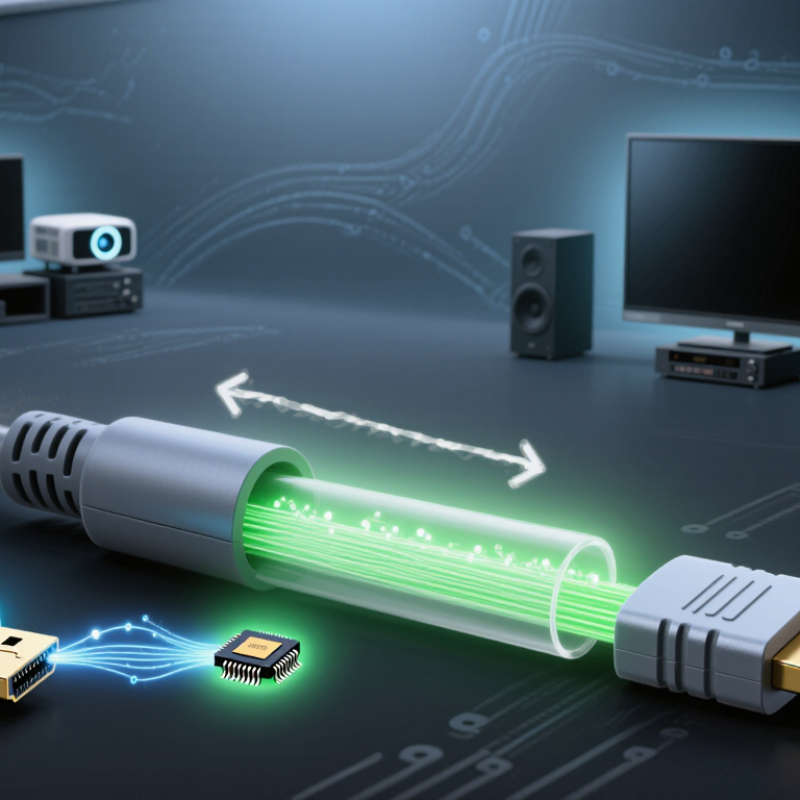
A fiber HDMI cable converts electrical HDMI signals into light, then converts them back at the display. Unlike passive copper cables, it often contains optical transmitters and receivers. Direction is therefore essential. The connector marked “Source” must connect to the player, computer, or console. The “Display” end faces the television or projector. Reversing them can produce a black screen or unstable handshaking. HDMI Forum technical documentation defines HDMI 2.1 bandwidth up to 48 Gbps. That is a demanding data stream.
Power also matters. The HDMI specification provides 5 volts through pin 18, supporting hot-plug detection and communication functions. However, that supply may not fully power every optical engine, especially in long cables. Some cables require an additional USB power connection. This detail is easy to miss. A weak source, switch, or receiver can cause intermittent images, failed HDCP authentication, or random dropouts. In field testing, connecting the cable directly to the display often reveals the real problem.
Length changes the engineering challenge. Optical fiber has low signal loss, but each connector, conversion chip, bend, and imperfect termination consumes part of the link budget. Professional optical standards describe loss in decibels, not simply meters. Longer is not automatically better. A 30-meter cable may need active conversion and careful routing to sustain 48 Gbps. Avoid tight bends near the connectors. I have also seen short cables fail when their power design was overlooked. The specification sheet matters more than impressive distance claims.