
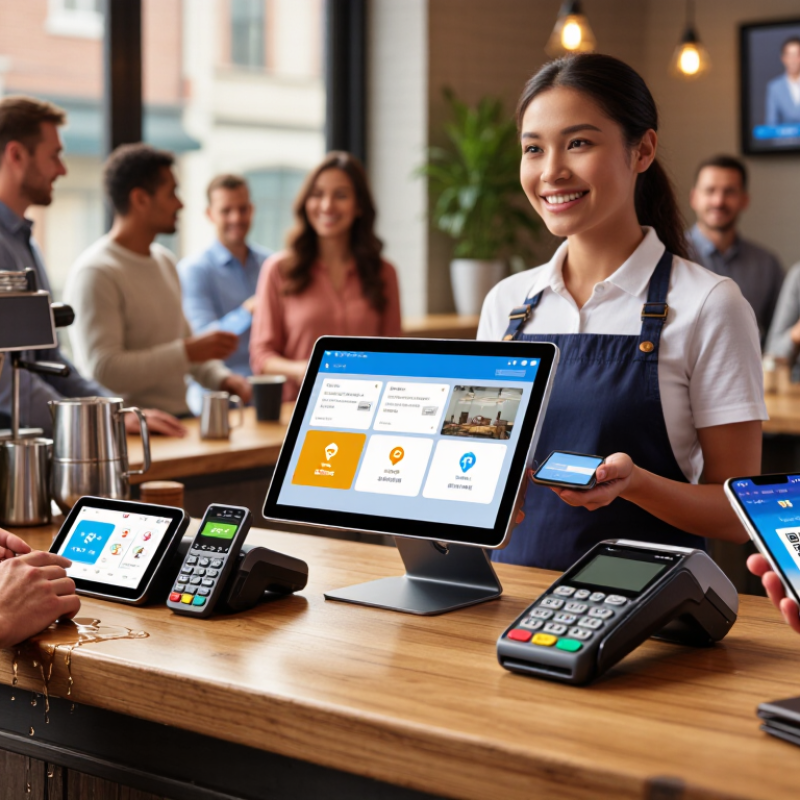
Choosing a POS terminal starts with defining the business, not comparing screens. A café needs fast contactless payments and a small footprint. A wholesale store may require invoices, barcode scanning, and stable wired connectivity. List your sales channels, average transaction value, peak hours, and refund process. Then identify local payment methods, currencies, language needs, and receipt preferences. These details shape the right terminal.
Markets also change the technical requirements. Check whether each location depends on Wi-Fi, mobile data, or a backup connection. Confirm support for chip cards, contactless wallets, QR payments, and currency conversion. Review local data protection and payment security requirements with qualified advisers. A terminal should fit the checkout area, staff habits, and customer flow. Do not overlook battery life. Field testing often reveals practical problems that product sheets miss.
Business models deserve equal attention. A retailer with several branches may need centralized reporting and role-based access. A mobile seller needs a lightweight device with dependable connectivity. Subscription businesses may prioritize recurring billing and customer records. Ask how quickly staff can learn the system. Ask how support handles outages. Cheap hardware can become expensive when service is slow. I have seen teams overestimate advanced features and underestimate training time. That mistake is easy to repeat. Measure real checkout times before committing, and leave room for market-specific adjustments.